
Public Service
Make public information easier to see and services easier to manage.
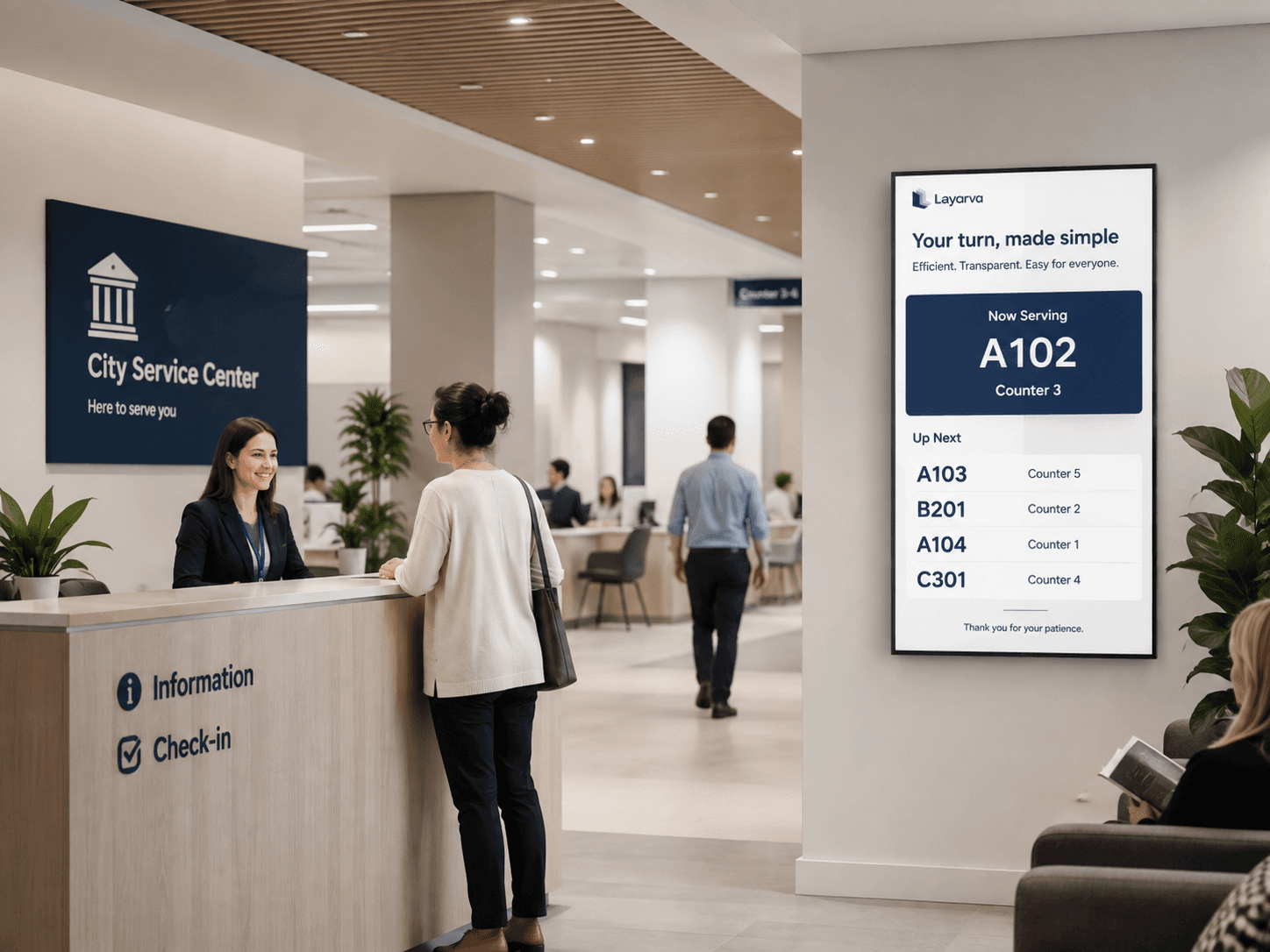
Let visitors scan a Cloud QR KiosK, choose a service, and save their queue ticket on their phone. Connect that arrival flow to staff calls, counter information, and announcements across the service hall.
Use cases
In the service hall.
Queue
Multi-service queues with Cloud QR registration, paperless tickets, an operator console, and queue displays.
Service counters
Which counter handles which service, and whether it is open.
Announcements
Changes to hours or requirements, before people join the line.
Citizen information
Requirements and procedures, so fewer people queue twice.
Scheduled content
Programmes and campaigns that run at set times.
Text-to-speech
Calls announced out loud as well as shown.
Paperless Queue · QR KiosK Cloud
From arrival to digital ticket, without printing.
Visitors scan the QR at the service hall and choose the service they need on their phone. Collect registration details through an optional form, keep the ticket digital, and let staff manage calls from the operator console.
Explore paperless Queue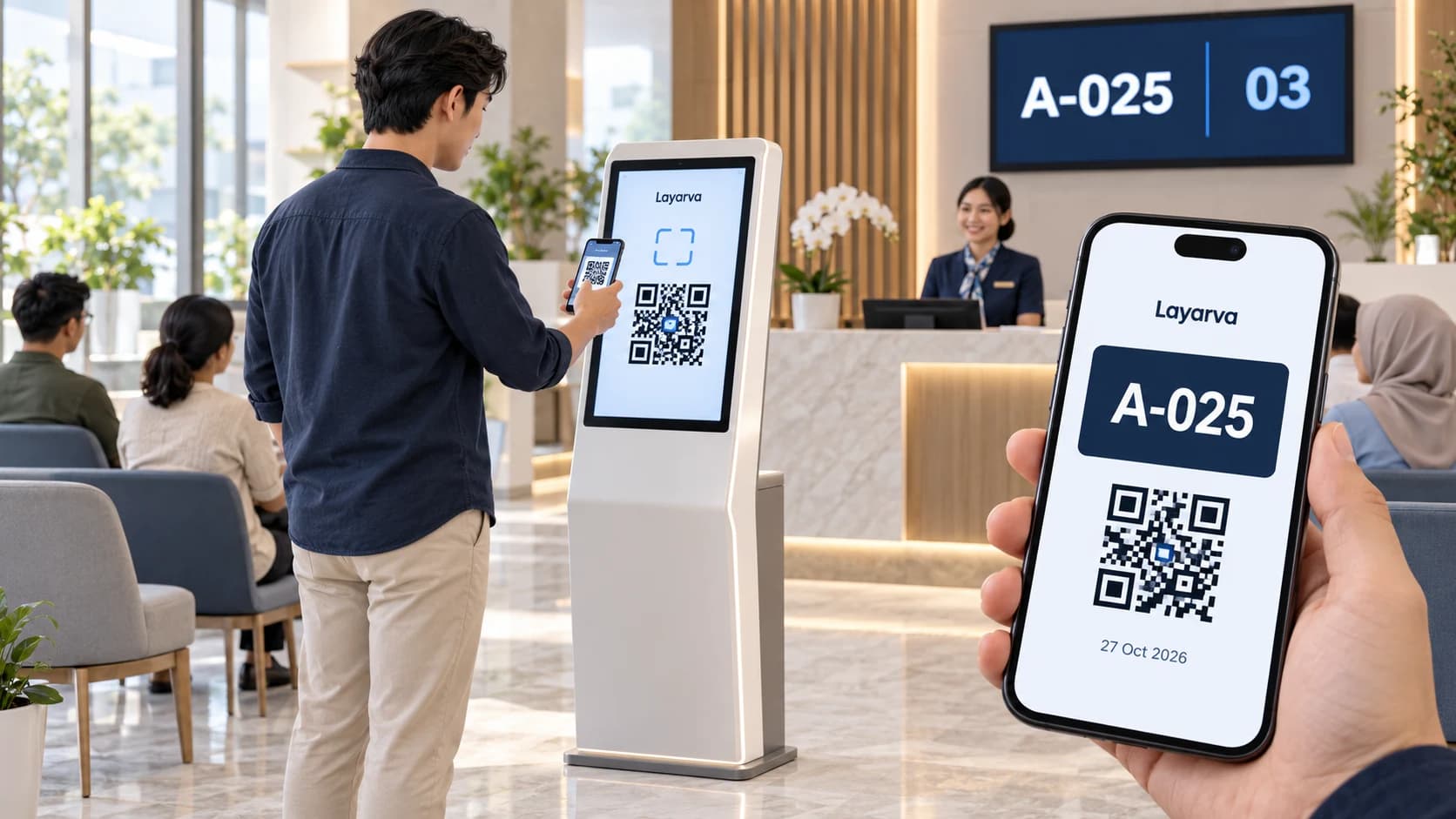
Scan at the kiosk
Open the QR from the kiosk screen using your phone camera.
Choose a service
Choose a queue in your phone browser and complete a form if one is enabled.
Save your digital ticket
Receive a ticket with a queue number and QR that you can download. Wait for the service call.
QR paperless mode requires Cloud and an internet connection, via a kiosk browser or the supported Layarva Android KiosK app. Visitors use their phone browser. QR mode is not available for Edge or Offline. Regular kiosks with supported ticket printing remain available.
The queue is the strongest reason to be here.
Queue Only includes the full queue system, one Queue Unit, one Cloud Screen, and one offline Screen. Design queue displays in Studio.
Capabilities