
Retail & F&B
Keep every promotion, menu and screen up to date.
A campaign that runs in twelve branches should be published once, not walked around on a USB stick.
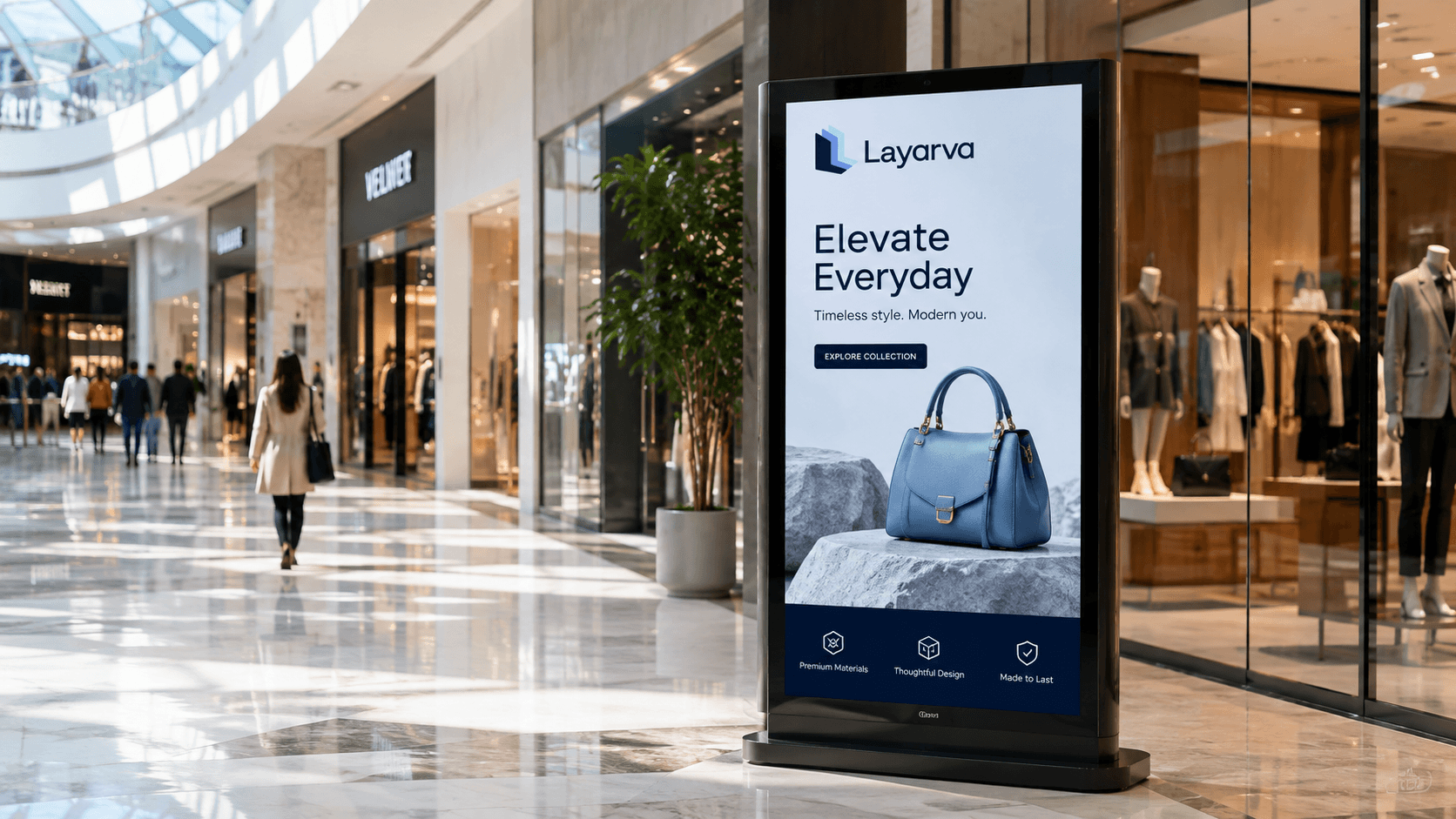
Use cases
What the screens are doing.
Digital menu boards
Prices and availability that change without reprinting anything.
Promotions
A campaign that starts on the day it was meant to, in every branch.
Product information
Detail at the shelf, where the decision is actually made.
Branch campaigns
Head office publishes; a branch can still carry what is local to it.
Pickup and queue information
Order numbers on the same screen as the promotion above them.
Dayparting
Breakfast, lunch and dinner menus that change themselves.
Paperless Queue · QR KiosK Cloud
A paperless queue for customer service.
Use a Cloud QR KiosK for customer service or service-desk queues. Visitors select an enabled service on their phone and keep a digital ticket, while your displays continue to show calls and useful store information.
Explore paperless Queue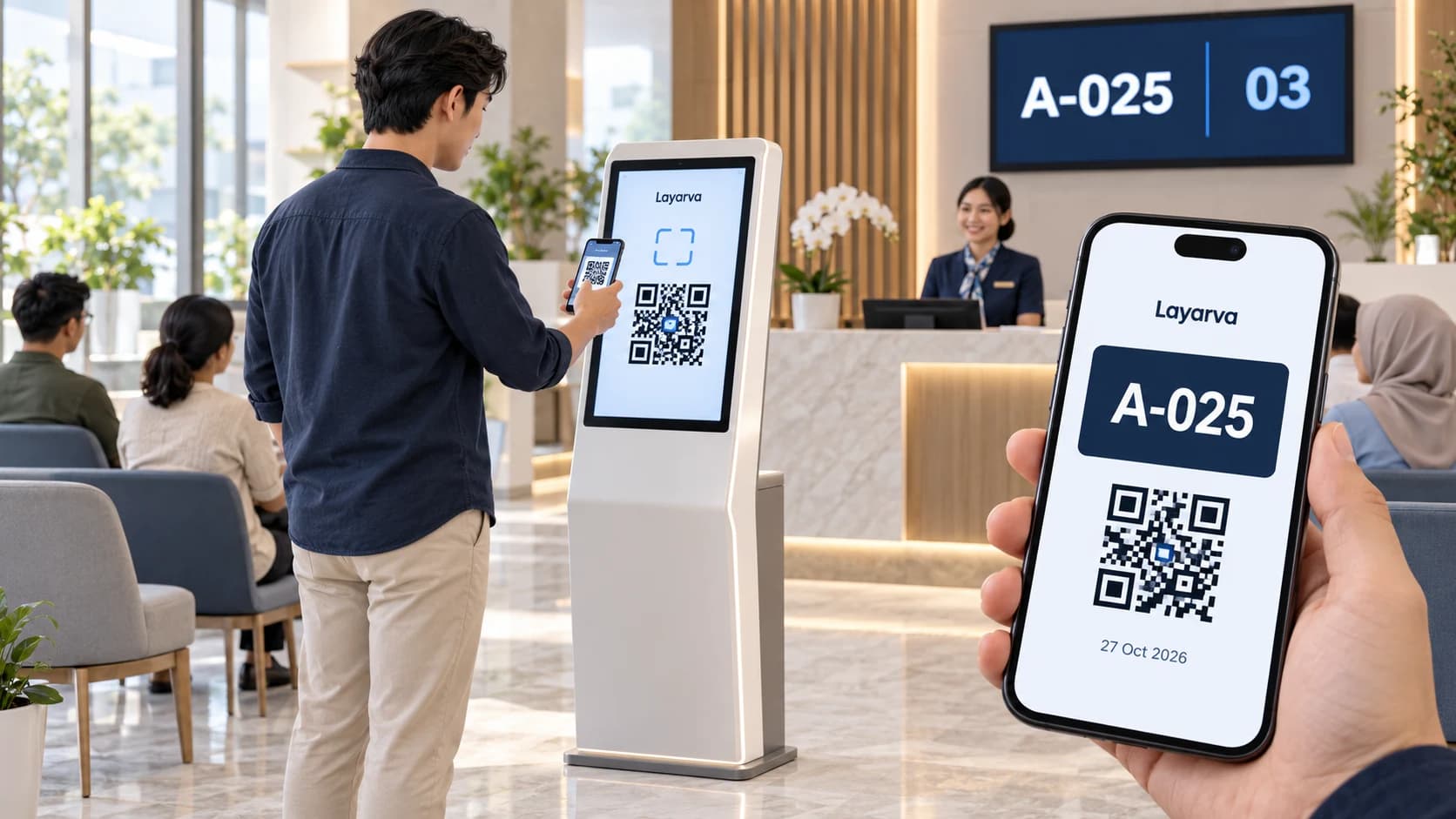
Scan at the kiosk
Open the QR from the kiosk screen using your phone camera.
Choose a service
Choose a queue in your phone browser and complete a form if one is enabled.
Save your digital ticket
Receive a ticket with a queue number and QR that you can download. Wait for the service call.
QR paperless mode requires Cloud and an internet connection, via a kiosk browser or the supported Layarva Android KiosK app. Visitors use their phone browser. QR mode is not available for Edge or Offline. Regular kiosks with supported ticket printing remain available.
Head office to branch
One campaign, twelve branches, one publish.
Head office
Layarva
Branch screens
Dayparting
The menu board that reads the clock.
07:00 – 10:00
Breakfast menu.
10:00 – 15:00
Regular menu and midday promotion.
18:00 – 22:00
Dinner menu.
All three are prepared in advance and published together. Nobody has to be in the store at seven in the morning to switch anything over.
Capabilities